Hanna T
15 Oct 2026
Copilot vs Digiotouch AI in Estonian: How Accurate Is Your Transcript?
Meeting Productivity

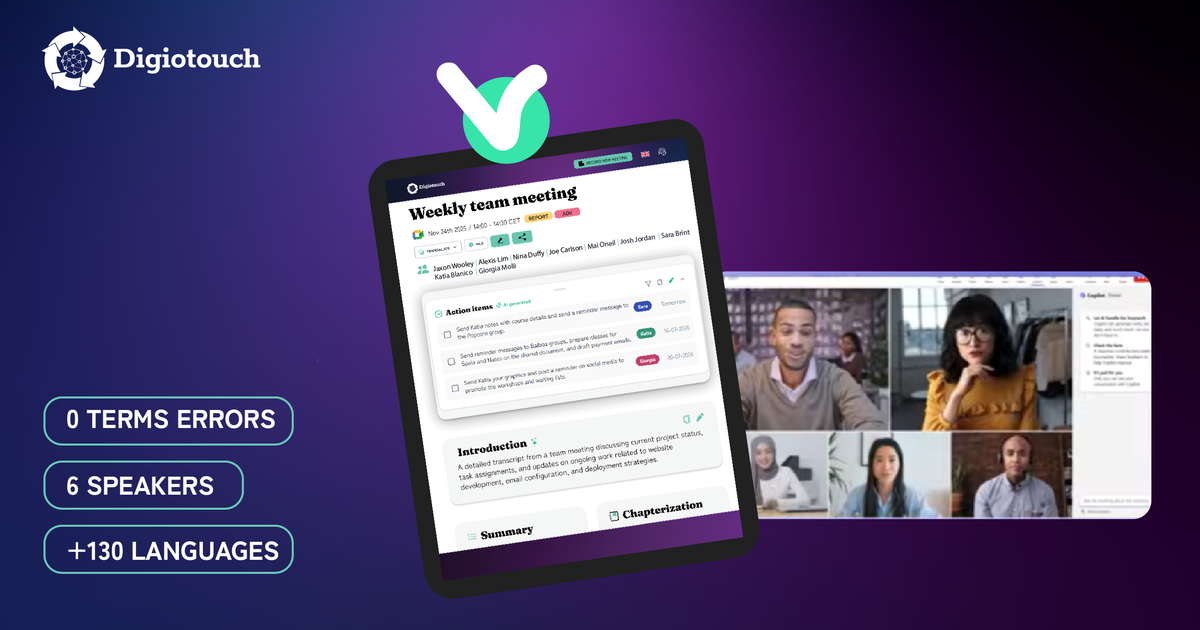
In a 30-minute recording of a French aeronautical interview, Microsoft Teams mis-transcribed 19 technical terms and labelled all six speakers as one person. Digiotouch AI made zero errors on the same terms and named each speaker. Across three technical recordings, Teams missed 37 specialist terms in total, against none for Digiotouch AI. We measured three things that matter in real meetings — accuracy on specialist vocabulary, handling of language switches, and speaker attribution — using the same recordings under identical conditions, and the method and full results follow.
Henrik is a principal software architect at a logistics platform company. His weekly architecture reviews run over Microsoft Teams, and the built-in transcript keeps mangling the vocabulary his team actually uses: Dapr becomes “Dapper”, Akka becomes “Acker”, CRUD becomes “crude”. When a colleague reads the notes a week later, the decisions look wrong or meaningless, so Henrik has gone back to re-listening to recordings to check what was really said. The notes were supposed to save that hour, not create it.
Some organisations we speak with use Microsoft Teams and Copilot for transcription, so the question is fair: why use anything else when it already takes notes? Our answer has always been transcription quality and the ability to switch languages during the meeting. Accuracy is the foundation, because a summary built on a flawed transcript inherits its errors, and a wrong action item causes problems later. The pattern is well documented. An employment-law analysis from Littler warns that AI note-takers can “misunderstand industry-specific terms and acronyms, struggle with accents.” Verified reviewers on Capterra name inconsistent transcription accuracy as the biggest issue with one widely used notes-first assistant, and report it failing to differentiate speakers when accents or background noise are involved, with basic editing tools making fixes painful. So we tested it ourselves at Digiotouch AI.
We kept the method identical for both tools. We played each recording on screen, shared the screen into a meeting, and let Microsoft Teams and Digiotouch AI transcribe it. Same input, same conditions. We measured three things: accuracy on technical vocabulary, how each tool handled passages in a second language, and how it attributed speech to speakers. For accuracy, we listed the distinct technical terms in each recording — things like product names, acronyms, methodologies, and proper nouns — counted each one once, and marked it correct or incorrect in each transcript.
These were not all standard meetings. We deliberately picked three different formats, each genuinely technical and led by people who know the subject, so the vocabulary is real:
One honest note: we excluded anything that came from the recording setup rather than the tools, such as advertisements that played during a capture.
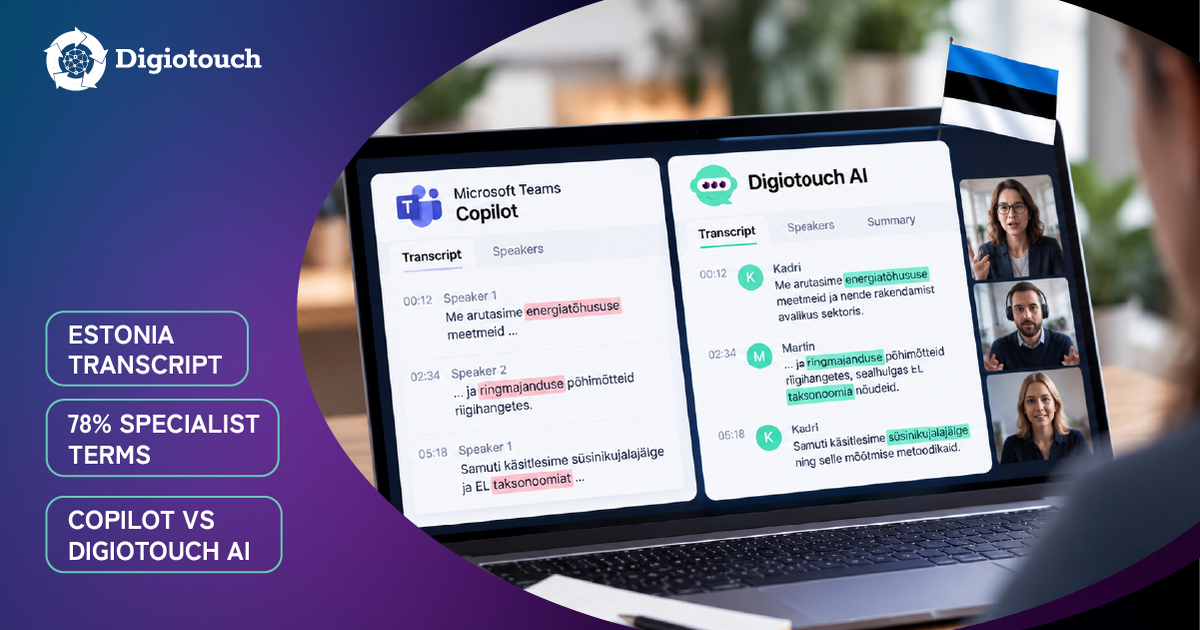
General-purpose transcription is tuned for everyday speech, so specialist terms, product names, and proper nouns are where it slips — and it slipped in all three recordings. The French aviation interview was the hardest: FADEC became “fadeq”, ailettes de fan became “LED de fan”, and the Aircraft Cabin Logbook became “aircraft cabine lookbook”. The software round-table tripped on tooling names, with “Dapr” becoming “Dapper” and “Akka” becoming “Acker”. Even the clean, single-speaker analytics talk drifted, turning “exploration” into “expiration” and “ObservePoint” into “Observe Point”. Digiotouch AI rendered all of them correctly.
How Digiotouch AI handles this: It transcribes from the recording and is built for meetings full of specialist language, so the transcript holds up on product names, acronyms, and proper nouns, not only on small talk.
This is where the gap widens. Microsoft Teams asks you to choose the meeting language before recording. When a French meeting includes English terms, as technical meetings constantly do, the transcription invents words that do not exist. In the aviation recording, with French set as the language, Teams even rendered one passage as Italian. Digiotouch AI detects the language automatically and follows a switch mid-meeting across more than 130 languages. It kept the French and English together, holding terms like Aircraft Cabin Logbook, FADEC, and bearings intact.
How Digiotouch AI handles this: Automatic language detection is natively built into Digiotouch AI, which means there is nothing to set before the meeting. It transcribes each language as spoken and lets you translate the summary into any of the 130+ languages afterwards.
Digiotouch AI identifies speakers from the video recordings, so it separated and named all six people in the aviation recording. Microsoft Teams attributes speech to whichever participant is active. In a shared-screen recording, where the speakers are not separate participants with their own tiles, Teams labelled the entire 30 minutes as a single user. For any recording, webinar, or in-person conversation, identifying speakers from the recording itself is what keeps the transcript readable.
How Digiotouch AI handles this: Because it works with both the video and voice activity, it can tell speakers apart in recordings and in-person meetings where there are no per-person logins or video tiles to rely on.
Here is the part that is easy to miss. Most meeting tools today, Microsoft Teams and Copilot included, build the summary and action items from the audio and the transcript alone. Digiotouch AI uses the video in addition to the voice. So its summary reflects what appeared on screen — a slide, a dashboard, a figure — even when no one reads it aloud. A perfect transcript still only captures what was said; a meeting record worth keeping captures what was shown as well.
How Digiotouch AI handles this: It is video-first, using audio and video frames together. The summary and action items draw on both the spoken transcript and the on-screen content, so the record reflects what was shown as well as what was said.
Across the three recordings, Digiotouch AI made zero errors on the technical terms we tracked. Teams missed 37, ranging from 72% correct on the French aviation recording to 89% on the cleaner English presentation. The gap widens exactly where meetings get harder: dense jargon, multiple voices, and a second language in the room.
| Recording | Format | Technical terms | Teams errors | Teams correct | Digiotouch AI |
|---|---|---|---|---|---|
| Aviation interview (FR + English) | On-site interview, 6 speakers | ~68 | 19 | 72% | 100% |
| Software architecture | Round-table, 3 speakers | 54 | 13 | 76% | 100% |
| Analytics presentation | Conference talk, 1 speaker | 44 | 5 | 89% | 100% |
| Total | ~166 | 37 | ~78% | 100% |
A few more examples of what each error looked like:
Sources: internal Digiotouch AI benchmark across the three recordings described in this article; independent sources on the wider accuracy pattern are listed in the citation index.
The fairest test is your own. Upload a previous recording and check the transcript for the proper nouns, technical terms, and speaker labels that matter to you, or run a real web meeting through both tools and compare what each produced. Digiotouch AI has a free plan to start and a 14-day trial on paid plans; see current plans and pricing to run that test on your own terms.
A summary is only as good as the transcript beneath it, and a misheard line becomes a wrong action item. Accuracy drops most on technical jargon, accents, and multiple speakers, which is exactly where real business meetings live.
In our tests across aviation, software, and analytics content, it made zero errors on the specialist terms where general transcription drifted. It transcribes from the recording and detects the spoken language automatically across more than 130 languages.
Yes. It natively detects language changes mid-meeting with no setup and no settings change, and transcribes each language as spoken. Summaries can then be translated into any of the 130-plus supported languages.
Yes, it separates and labels speakers, so a multi-person meeting reads as a conversation rather than a single block of text. Because speakers are identified from the recording itself, this also works for webinars, uploaded recordings, and in-person conversations.
No. Digiotouch AI does not train on your data. Digiotouch is a fully European company and Digiotouch AI complies with European regulations such as GDPR, with all data stored in Belgium.
There is a free plan to start and a 14-day trial on paid plans. Current pricing is on Digiotouch AI's pricing page.


